
Home » Download
BDGOGAME App Download For Fast, Secure, Mobile-First Play
Get The Official BDGOGAME App Download With Fast Access And Easy Mobile Controls
Move faster with the official BDGOGAME app download. The app is light, quick on mobile data, and built for simple one-hand use. Enjoy live cricket markets, JILI slots, and secure access in a clean layout that trims extra taps. Log in once, set your preferences, and get straight to the action.
Security stays front and center. Your account verification is guided, login protection is strong, and withdrawals are sent only to accounts that match your verified name. For safe files and the latest version, always start from the BDGOGAME Official Website.

Why The BDGOGAME Mobile App Fits Daily Play And Live Sports Habits
The app focuses on speed, clarity, and trust. It loads fast on mobile networks, keeps your session protected, and highlights what matters most for local players.
Fast page loads on mobile data and lighter device resource usage
The app trims heavy elements so pages open quickly on everyday connections. It’s optimized for mid-range phones and keeps memory use low, so switching between sports and casino feels responsive.
One-tap BDGOGAME login with device lock and OTP security
Save your BDGOGAME login securely and protect it with fingerprint, face, or PIN. Add OTP for an extra layer when you sign in or make key account changes.
Live cricket odds, quick bet slip, and match alerts that matter
Cricket leads the lineup. Track odds changes, build your bet slip fast, and get match-start or price-change alerts so you never miss a key moment.
Top slots from JILI and others with reliable, steady gameplay
Explore popular JILI titles and more. Smooth reels, crisp visuals, and stable sessions mean you can focus on your picks instead of fixing settings.
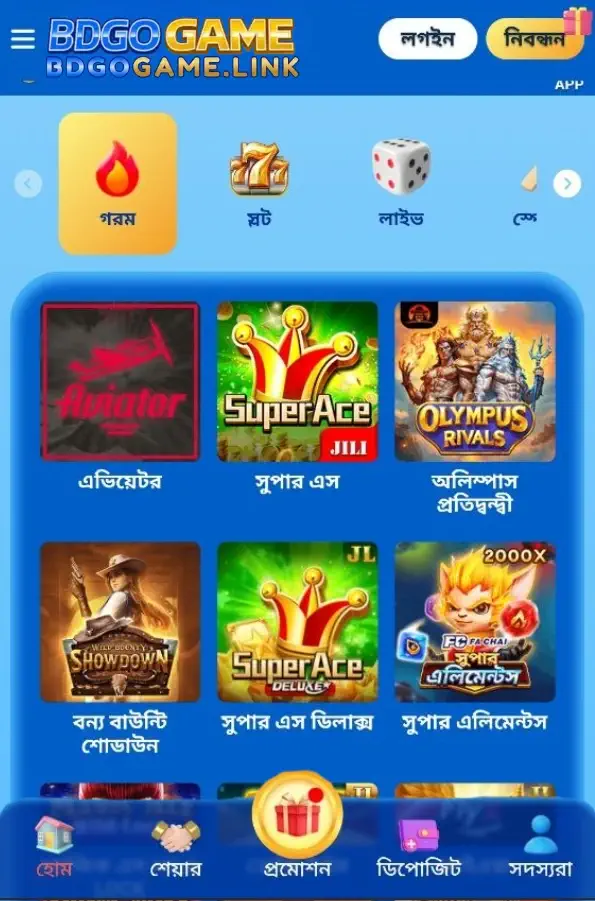
Simple Steps To Download, Install, And Start Using The BDGOGAME Apk
- Open your mobile browser and visit the official BDGOGAME site.
- Choose your platform: tap Download for Android or Get for iOS.
- On Android, confirm the APK download when your browser prompts you.
- Go to Settings if asked, allow installs from this source, then return and tap Install.
- On iOS, open the site in Safari. Follow the on-screen prompt to Add to Home Screen or install the provided app profile.
- Launch the app, complete BDGOGAME login, or create an account if you are new.
- Enable notifications to receive updates on odds, results, and offers.
New to the platform? Tap sign up and complete BDGOGAME Register to verify your details and start safely.
App-Only Bonuses, Reload Offers, And Alerts For Big Cricket Events
Turn on notifications to catch app-first offers, reload boosts, and festival campaigns. Expect timely alerts before major cricket fixtures, plus highlighted deals for popular JILI slots and live tables.
Open the Promotions tab in-app to track ongoing deals, check requirements, and claim with confidence. For curated app offers and time-sensitive bonuses, follow BDGOGAME Promotions so you never miss a window.
Mobile Features Built For Fast Play, Privacy, And Lower Data Usage
- Quick launch with optional biometric login for faster, safer access.
- Clean, thumb-friendly menus for Sports, Casino, Cricket, and account controls.
- Smart notifications for results, cricket price moves, and app-only offers.
- Data-friendly images and caching that keep pages light on mobile networks.
- Event-focused bet slip that remembers your preferences across sessions.
- In-app support chat with verified staff and clear ticket history.
Install Safely With Official Files, Clear Permissions, And Regular Security Updates
Always download from the official source. Check the version label on the download page and avoid third-party mirrors or modified packages.
On Android, enable “install unknown apps” only for the browser you use, complete the install, then turn the permission off again. On iOS, install only the profile or Home Screen shortcut prompted from the official site.
Review permissions. The app only asks for what it needs, like notifications. Keep your device OS updated to block old exploits and improve performance.
Verify your account early and keep details accurate. For payouts, your account name must match your verified profile name to protect your funds.
Use strong passwords, enable OTP, and log out on shared devices. Update the app when prompted so you receive bug fixes and new features quickly.
Your Questions On Downloading And Installing The BDGOGAME Apk Answered
Is the BDGOGAME app free to download and use?
Yes. The app is free to download. Standard data charges from your mobile provider may apply.
How do I install the BDGOGAME APK on Android?
Download the APK from the official site, tap it, allow installs from this source if prompted, then press Install. Open the app and log in.
Can I use the app on iOS devices?
Yes. Open the site in Safari and follow the on-screen steps to Add to Home Screen or install the provided profile, then launch from your Home Screen.
Why does Android ask to allow installs from unknown apps?
Because you are installing an APK from your browser. Allow the permission only for that step, complete the install, then disable it again for safety.
How do I keep the app updated?
Open the app and follow in-app prompts, or visit the official site to get the latest build. Updating ensures security fixes and new features.
Start Faster Play Today With The Official BDGOGAME App On Your Phone
Install in minutes, secure your account, and enjoy live cricket odds and JILI slots wherever you go. Tap now for BDGOGAME App Download and play with confidence.
Ready for quicker logins, lighter pages, and smarter alerts? Complete your BDGOGAME app download and jump back in whenever the next match or offer drops.